

Publish dashboard changes when your draft is ready for readers.
Before publishing
The editor shows how many files changed in the current draft.

Review the changed pages or settings, then publish.
Publish
Click Publish to publish the draft to your live docs site.
Watch deployment status
Go to Overview to see the deployment start.
The deployment activity shows the build while it is running.
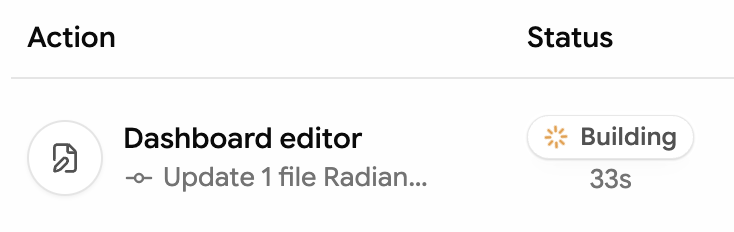
When the deployment shows Success, the updated docs site is live.
